
ClearCorrect Day Is Coming to DPI Dental
Join Dr. Paul Ilan for a special one-day ClearCorrect event and explore clear, removable aligners designed to help straighten your smile.
390 1st Ave, Suite OM-G, New York, NY 10010 · One-day event only

Fixed Dental Bridges in Howard Beach, NY
Missing teeth can change the way you bite, chew, speak, and feel about your smile. At DPI Dental, Dr. Paul Ilan provides custom fixed dental bridges for Howard Beach patients who want a non-removable way to replace one or more missing teeth.
What Is a Fixed Dental Bridge?
A dental bridge is a fixed restoration used to replace one or more missing teeth. Rather than being removable like a traditional denture, the bridge is secured in place and spans the space where teeth are missing.
A traditional bridge typically uses neighboring teeth as support, while other bridge designs may use a different support structure. The replacement tooth or teeth are designed to restore the visible space and help re-establish function.
A dental bridge is not the same thing as a dental implant. Implants are placed into the jawbone, while a traditional fixed bridge is supported by adjacent teeth.
- Replaces one or more missing teeth
- Fixed in place rather than removable
- Designed to restore bite function
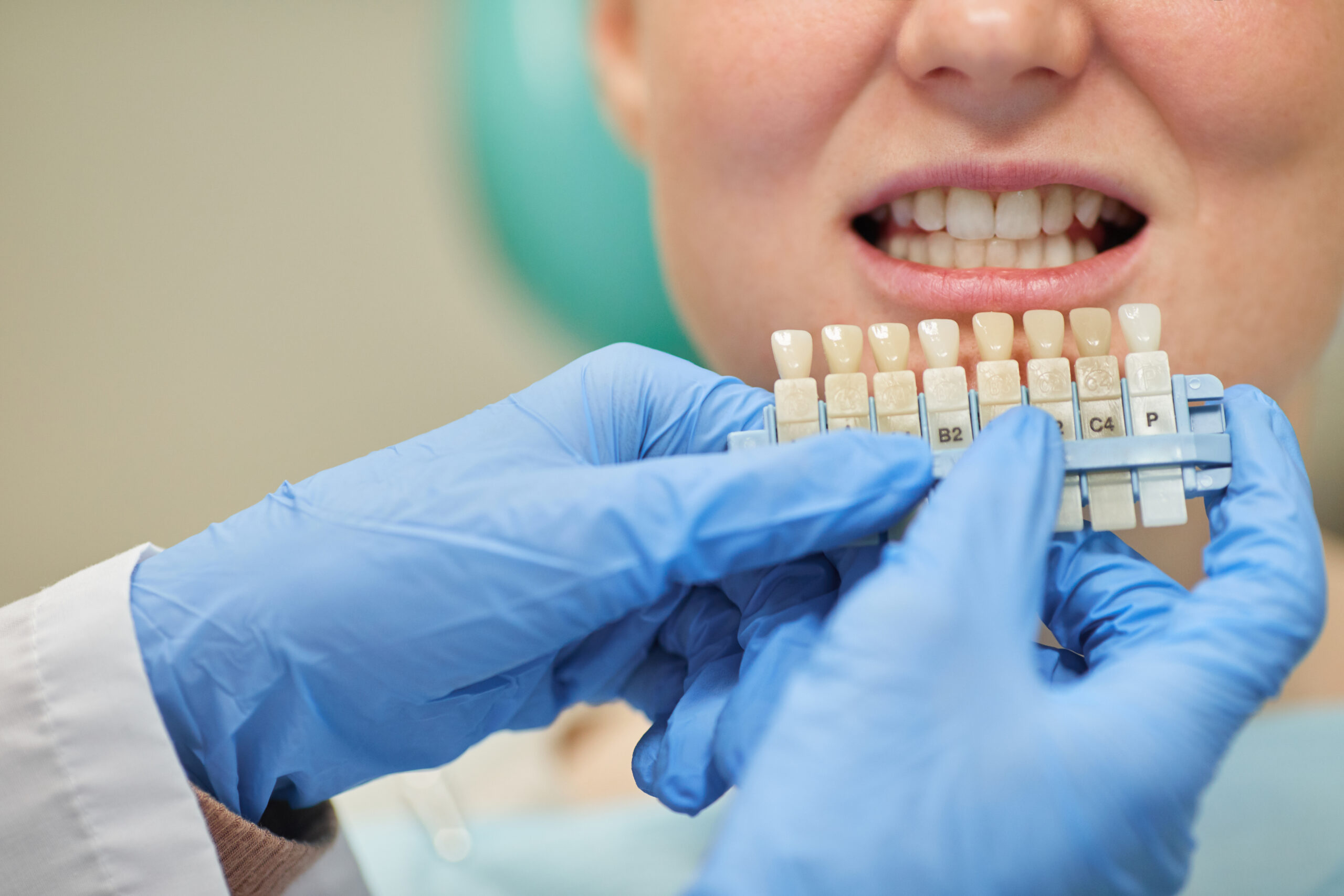
- Customized for shape and tooth color
- May help keep neighboring teeth from shifting
- Does not require an implant in every case
Benefits of Fixed Dental Bridges in Howard Beach, NY
Replacing a missing tooth is not only about appearance. A well-planned bridge can help restore function and maintain the relationship between the teeth around the open space.
Types of Dental Bridges We May Discuss
The right bridge design depends on the location of the missing tooth or teeth, the condition of the supporting teeth, your bite, and your overall oral health.
Traditional Fixed Bridge
A traditional bridge commonly uses teeth on both sides of the missing space as support for the replacement tooth or teeth.
Ask About Traditional Bridges →Cantilever Bridge
A cantilever bridge uses support from one side of the missing space. Whether it is appropriate depends heavily on bite forces and tooth position.
Ask About Cantilever Bridges →Resin-Bonded Bridge
A resin-bonded bridge uses bonded wings or retainers attached to neighboring teeth and may be considered in selected situations.
Ask About Resin-Bonded Bridges →Dental Bridges vs. Implants vs. Dentures
These treatments can all replace missing teeth, but they differ in how they are supported, whether they are removable, and how much treatment is involved.
Fixed Dental Bridge
A bridge is fixed in place and commonly supported by neighboring teeth. It can replace one or more missing teeth without being removed for daily cleaning.
Ask About Dental Bridges →Dental Implants
Dental implants are surgically placed into the jawbone and can support individual crowns or larger restorations. Candidacy depends on oral health and bone support.
Explore Dental Implants →Dentures
Traditional dentures are removable and may replace several teeth or an entire arch. They are a different solution from a fixed dental bridge.
Explore Dentures →What to Expect During Dental Bridge Treatment
Understanding the process can make restorative treatment feel more manageable. Your exact sequence may vary depending on your teeth, bridge design, and treatment needs.
Evaluation and Imaging
We examine the missing-tooth area, evaluate the surrounding teeth and bite, and use dental imaging when appropriate to plan treatment.
Tooth Preparation
For a traditional bridge, the supporting teeth are prepared so they can support the final restoration.
Impressions and Design
Detailed impressions or digital scans help guide the fit, bite, shape, and appearance of the custom bridge.
Placement
When the bridge is ready, we check the fit, bite, shape, and comfort before securing the restoration in place.
Follow-Up and Care
We review cleaning techniques and follow-up care so you know how to maintain the bridge and the supporting teeth.
Why Choose DPI Dental for Dental Bridges?
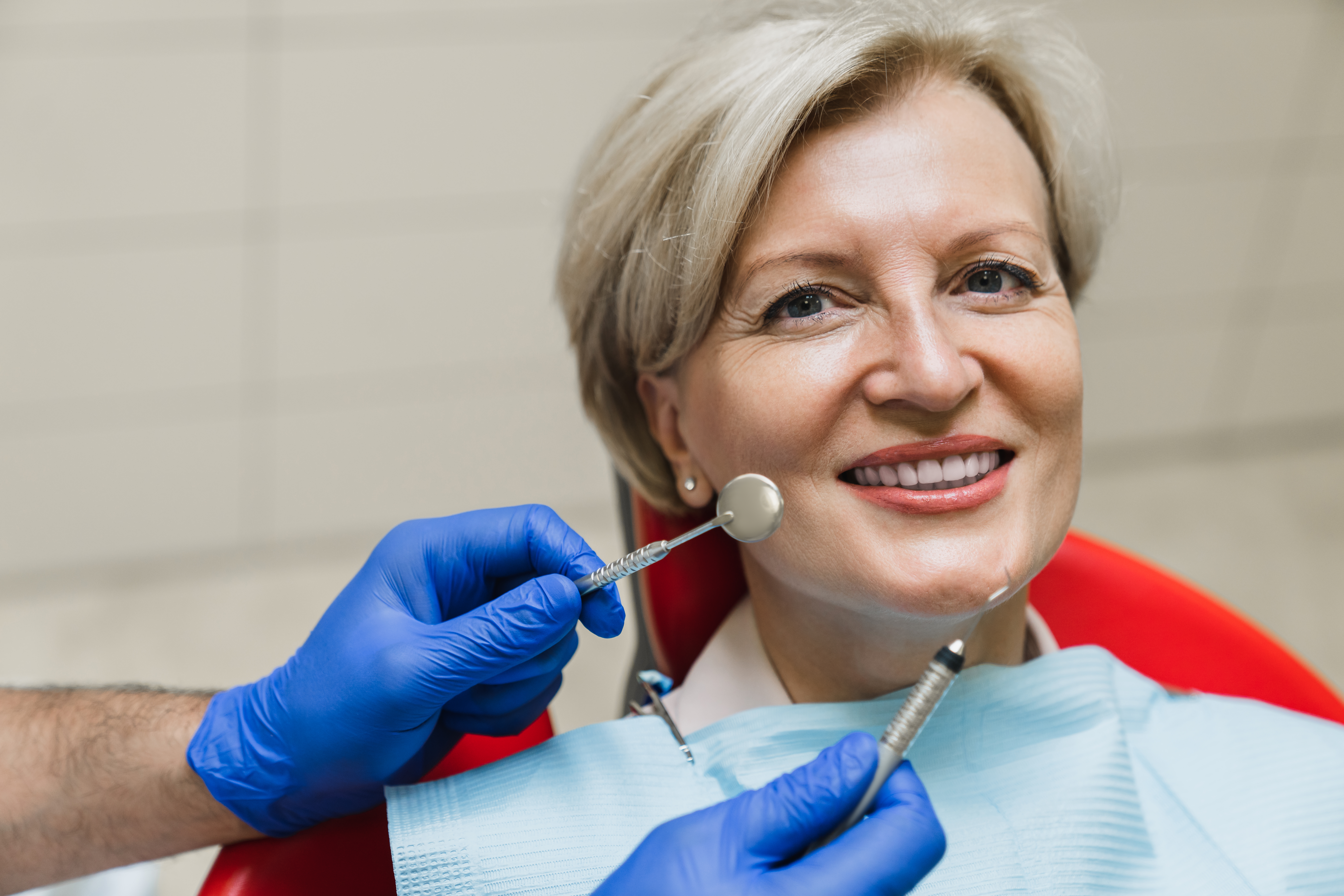
Dr. Paul Ilan brings more than 20 years of experience in restorative and cosmetic dentistry. Treatment planning is based on your oral health, missing-tooth pattern, bite, appearance, and long-term restorative needs.
We also understand that some patients feel anxious about restorative treatment. Our goal is to explain each step clearly, answer questions before treatment begins, and keep communication open throughout the process.
- 20+ years of dental experience
- Personalized restorative planning
- Digital imaging and scanning when appropriate
- Custom shade and shape planning
- Comfort-focused communication
- Many insurance plans accepted
Other Services That May Be Part of Your Treatment Plan
A missing-tooth treatment plan may involve more than one restorative service depending on the condition of the surrounding teeth and your long-term goals.
Dental Bridge FAQs for Howard Beach Patients
Common questions about bridge longevity, bridge types, cleaning, chewing, and how bridges differ from crowns.
How Long Do Fixed Dental Bridges Last?+
Are Cantilever Bridges Strong Enough to Chew On?+
What Do Resin-Bonded Bridges Look Like?+
How Do I Take Care of a Dental Bridge?+
How Are Dental Bridges Different From Dental Crowns?+
Dental Bridge Treatment in Howard Beach, NY
Learn more about our Howard Beach office before requesting your restorative dentistry consultation.
Restore Your Smile With a Custom Dental Bridge
If you are missing one or more teeth, schedule a consultation at DPI Dental in Howard Beach, NY. We can evaluate the space, surrounding teeth, bite, and restorative options and help you determine whether a fixed dental bridge is appropriate for your needs.
Request an Appointment
Complete the form below to request your dental bridge consultation with DPI Dental.