
Alphabet City, NY
Looking for a dentist in Alphabet City, NY? We're DPI Dental, and we're set up just west of Avenue A, which means we're close enough that you can walk over between errands on Avenues A through D.
A lot of our patients put the dentist off for a while, not because they didn't care, but because they never found an office that felt right. Others came in after being rushed somewhere else or because they just didn't feel comfortable there.
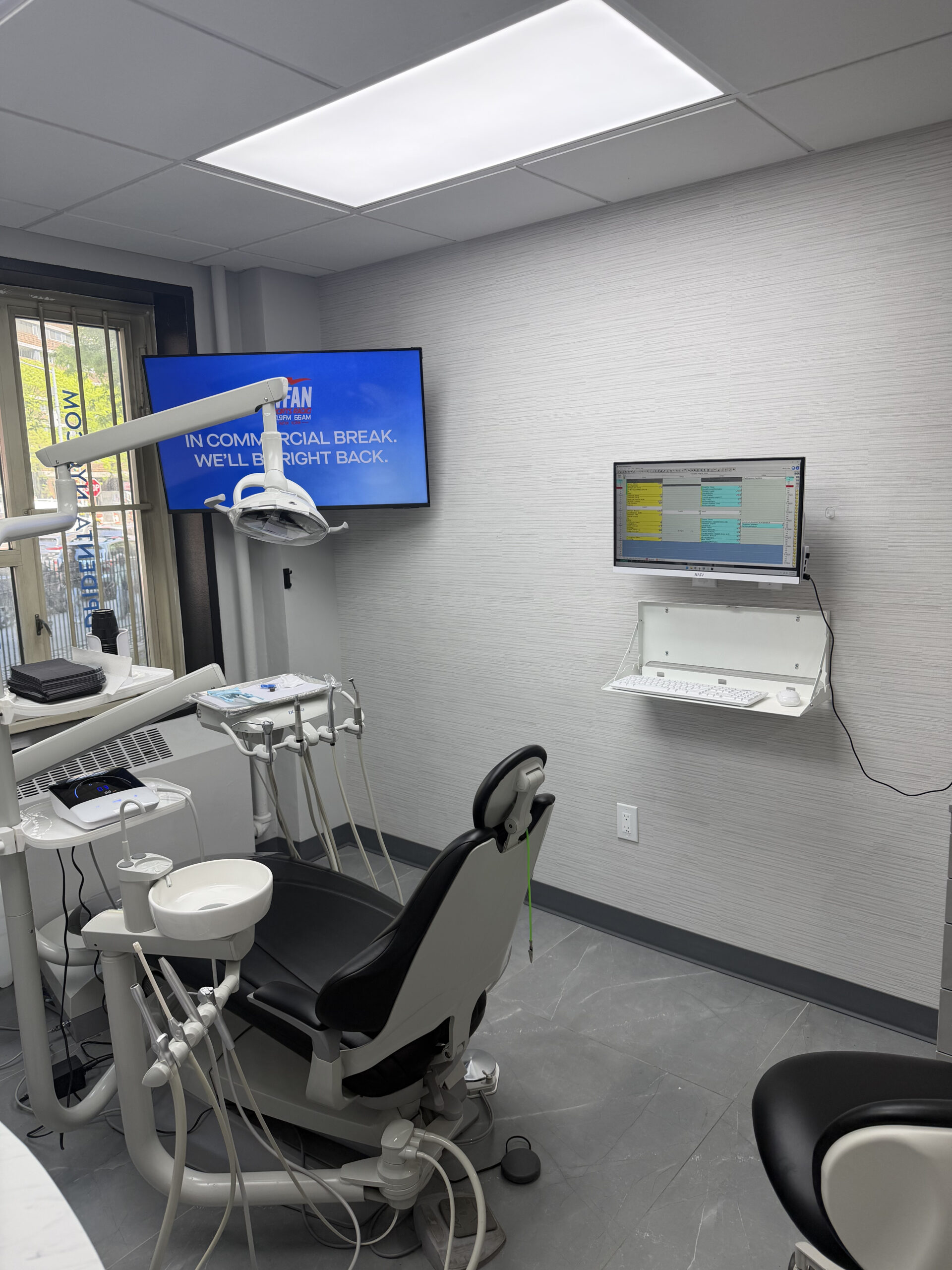
At our dental office near Alphabet City, NY, we handle preventive and restorative dentistry, cosmetic treatment, dental implants, and same-day emergency visits, all in one office.
What Dental Services Are Available in Alphabet City, NY?
At our dental office near Alphabet City, NY, we handle preventive and restorative dentistry, cosmetic treatment, dental implants, and same-day emergency visits, all in one office.
- Teeth whitening
- Cosmetic smile makeovers
- Invisalign
- Dental implants
- Dental crowns and bridges
- Porcelain fillings
- Dentures
- Urgent and preventive dental care
Complete Dental Care Near Alphabet City
Explore cosmetic, implant, restorative, preventive, and urgent dental care available to patients near Alphabet City, NY.
Teeth Whitening
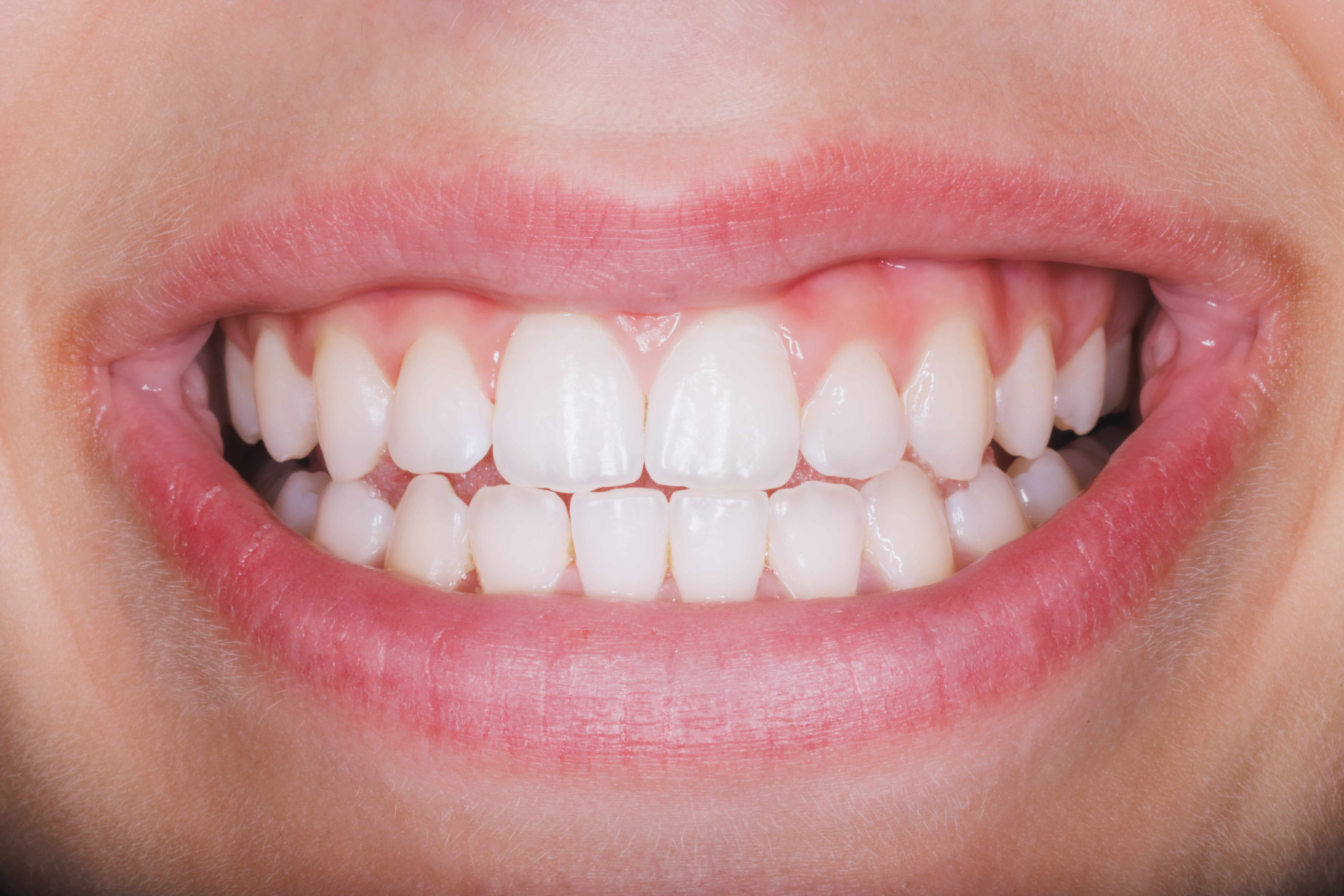
If your smile's lost some brightness, we offer professional teeth whitening for Alphabet City patients who want a cleaner, fresher look. We'll help you pick an approach that suits your teeth and the result you're after.
Book Teeth Whitening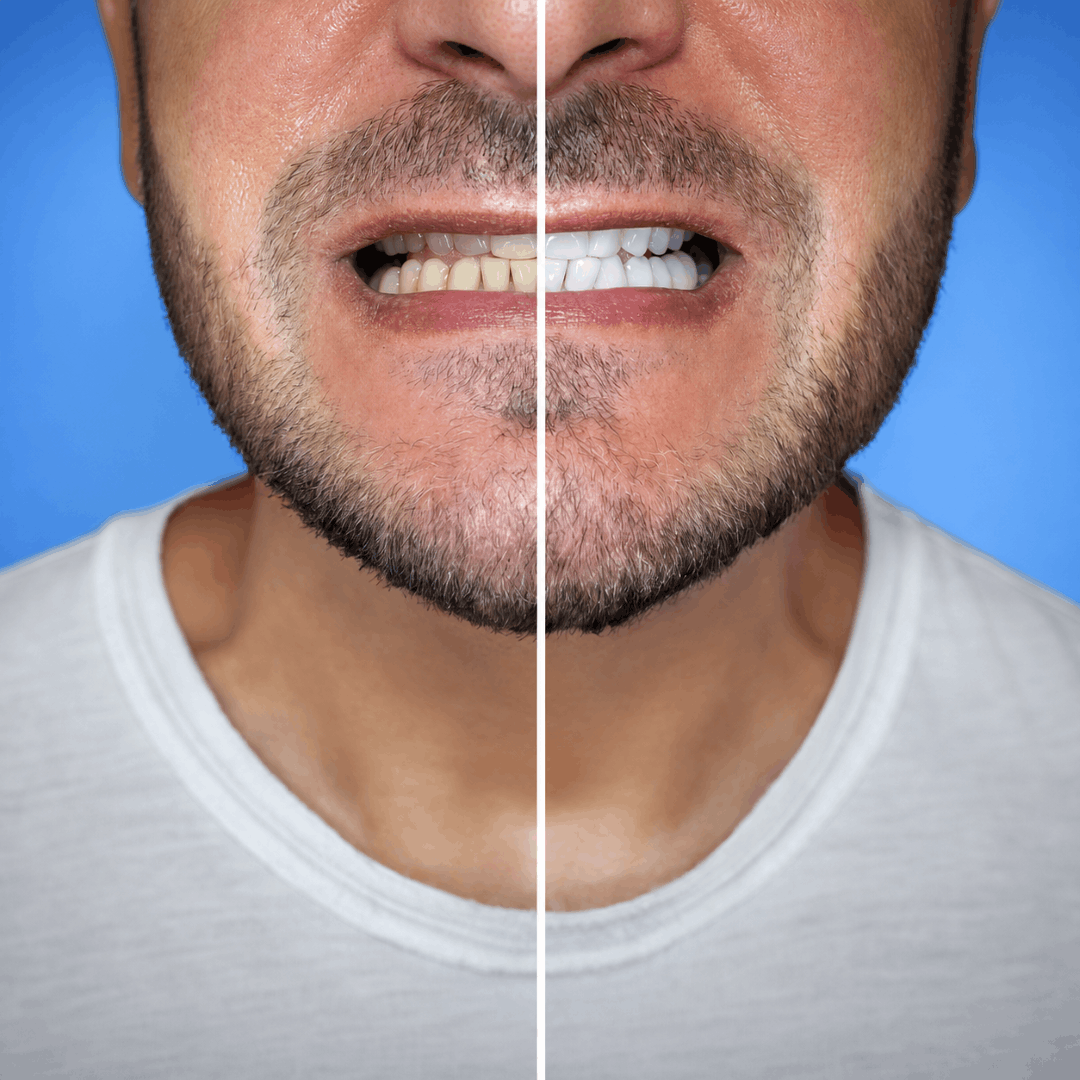
Cosmetic Smile Makeover
Want to change more than one thing about your smile? Our cosmetic smile makeovers bring together treatments like whitening, veneers, or crowns in a plan designed around what you want fixed.
Book a Smile Makeover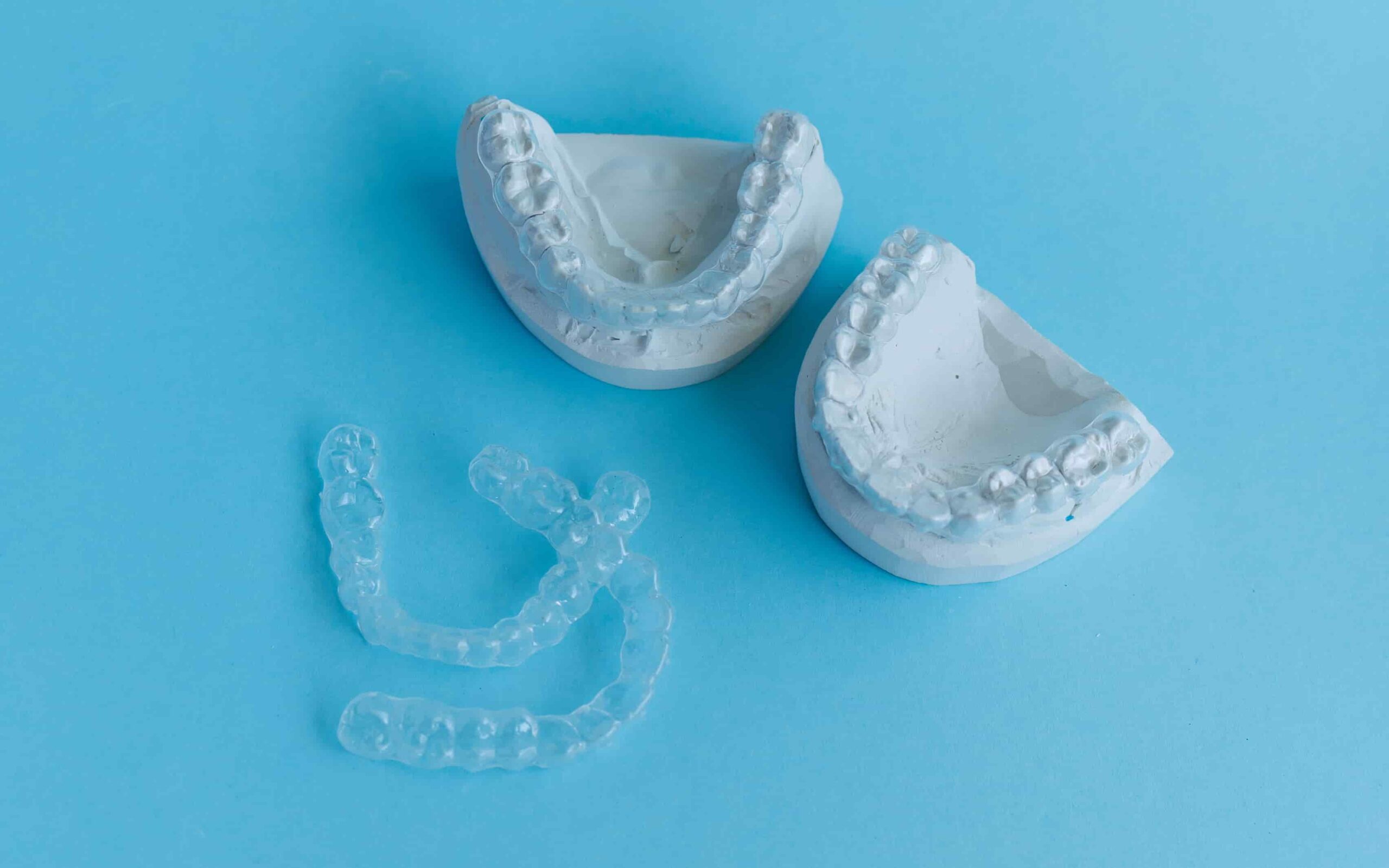
Invisalign
Getting Invisalign in Alphabet City, NYC, is as easy as dropping by our dental office. Dr. Paul Ilan is trained to help you through the procedure from start to finish, giving you a more beautiful smile without brackets or wires.
Book Invisalign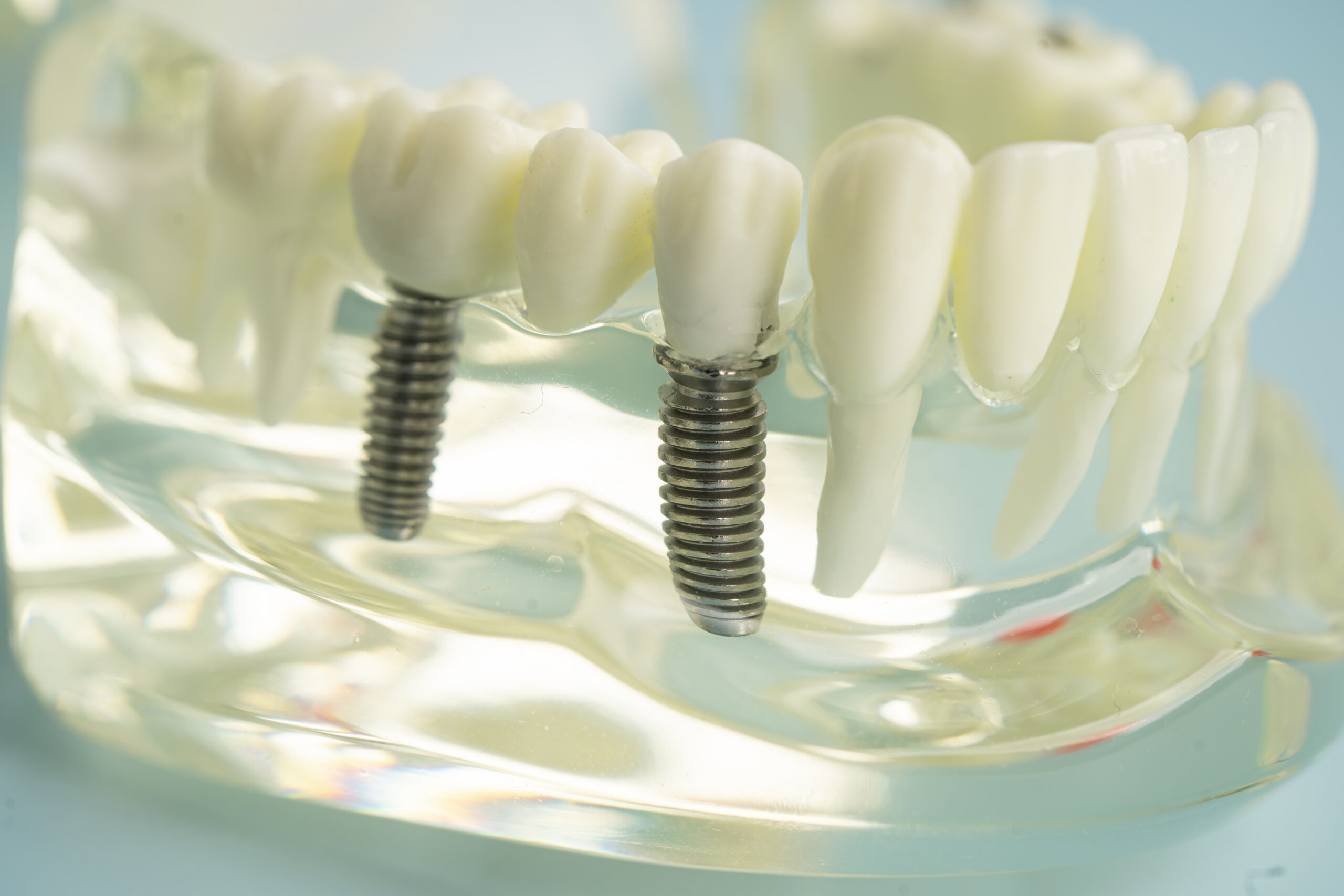
Dental Implants
We offer natural-looking dental implants in Alphabet City, including same-day treatment for eligible patients. Dr. Ilan will check the health of your jaw and gums first and tell you honestly whether an implant is the right call for you.
Book an Implant Consultation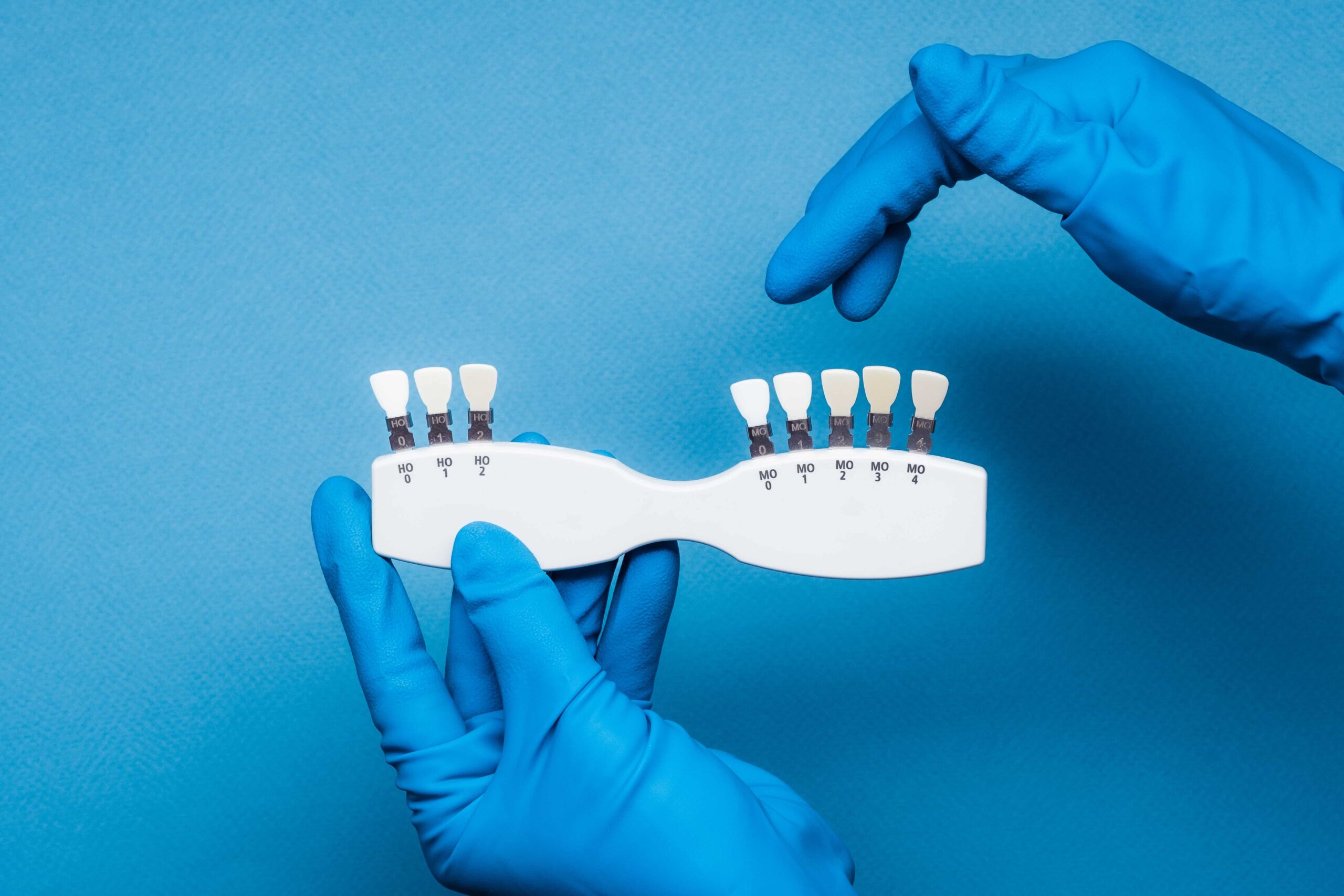
Dental Crowns and Bridges
Need a dental crown or a dental bridge? In Alphabet City, we build custom restorations for damaged or missing teeth and help you pick the option that fits your bite and your budget.
Book Restorative Care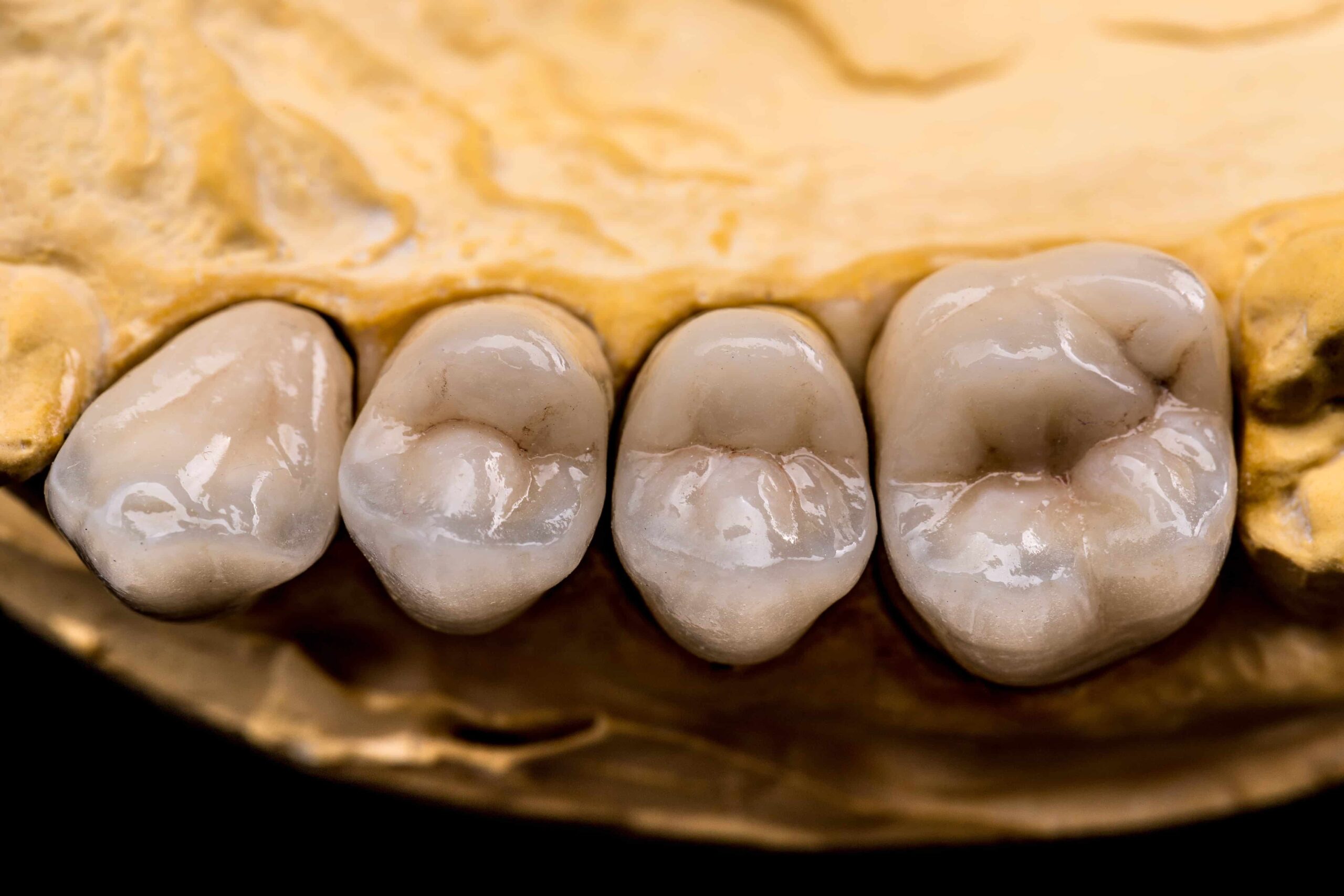
Porcelain Fillings
We make porcelain fillings for patients who want a cavity repaired as discreetly as possible. We match the restoration to your natural tooth color, so it blends in instead of standing out.
Book Porcelain Fillings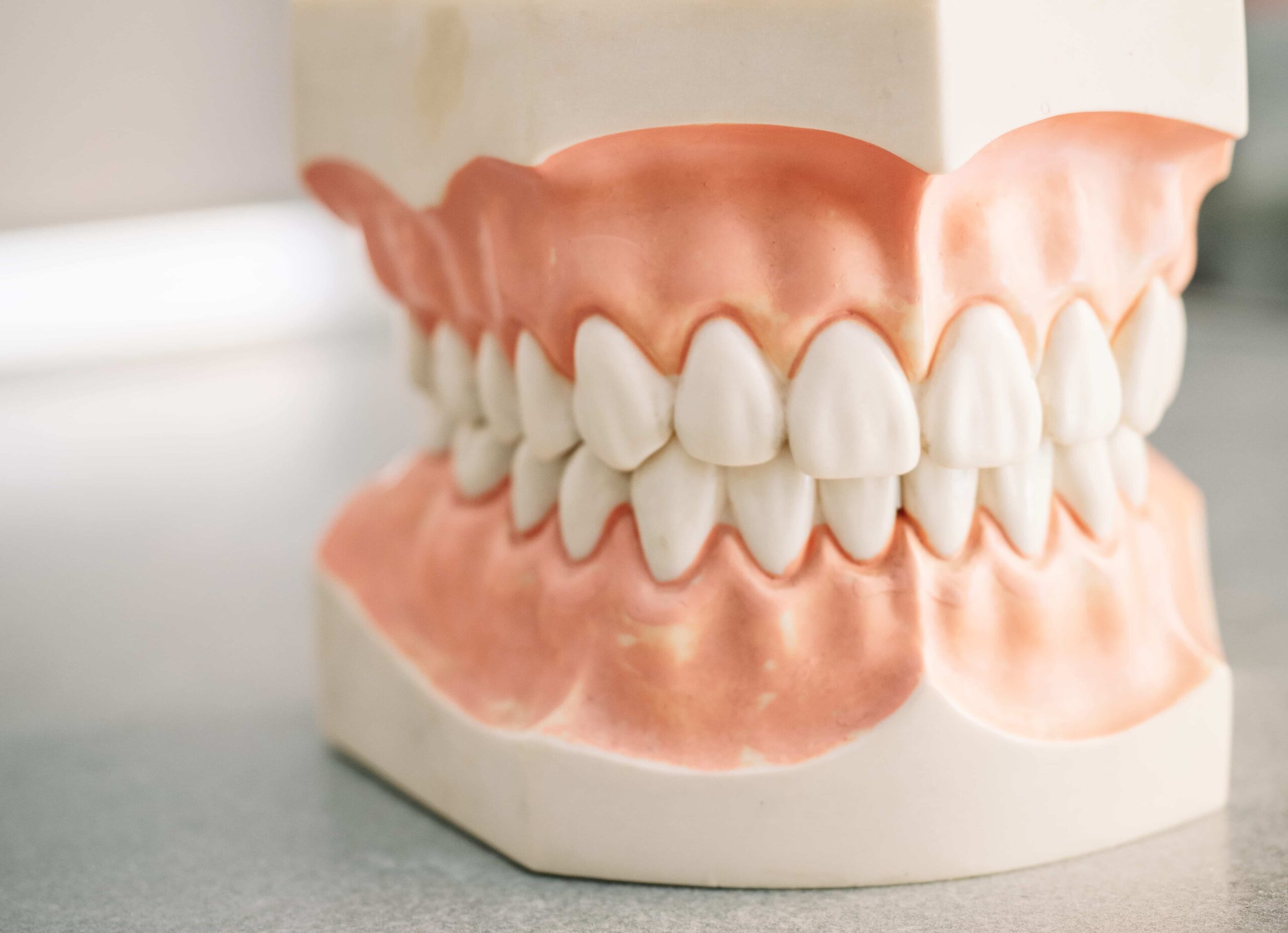
Dentures
If you need to replace several missing teeth, our dental office near Alphabet City can design dentures around your mouth, your bite, and what your days actually look like.
Book a Denture ConsultationPreventive and Urgent Dental Care Near Alphabet City
Regular checkups help you stay ahead of small problems, while tooth pain, swelling, broken teeth, and lost fillings may need faster attention.
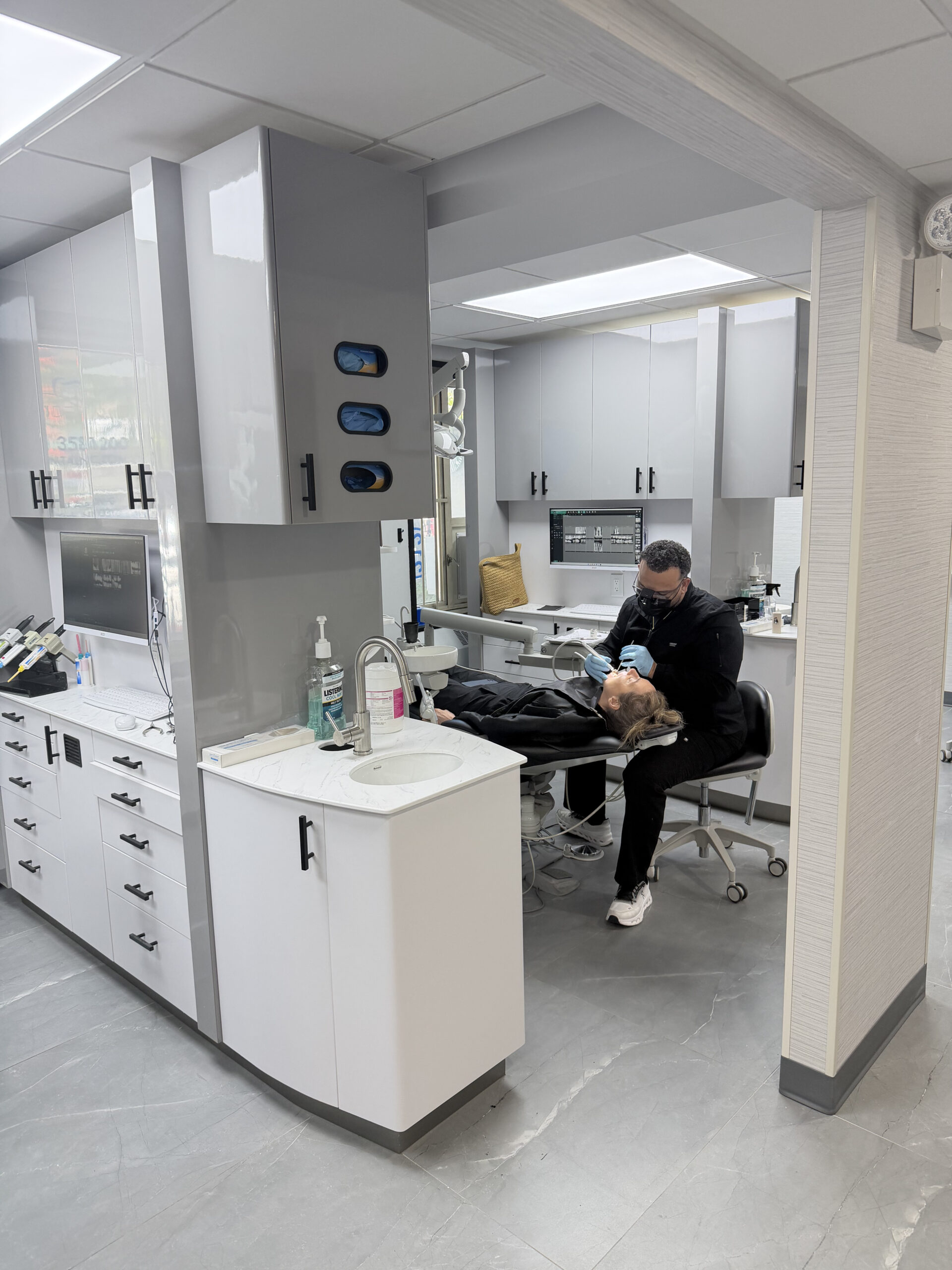
Why Choose DPI Dental As Your Alphabet City Dentist?
At DPI Dental, we want you to feel looked after. That means giving you time, answering your questions, and making sure you understand your treatment before anything starts.
Dr. Paul Ilan, DDS, a board-certified cosmetic and general dentist with more than 20 years of experience, leads the practice. He is also fluent in Spanish, which makes a huge difference for some of our patients.
Patient-Focused Dental Care Near Alphabet City
Our East Village office sits a few blocks from Tompkins Square Park and a short walk or bus ride from Avenues A through D, and we stay open into the early evening on weekdays, with Saturday mornings available too.
Alphabet City Dental FAQs
Answers to common questions about new patients, emergency care, dental insurance, Dr. Paul Ilan, and dental anxiety.
Does DPI Dental accept new patients in Alphabet City?+
Where can I find an emergency dentist near Alphabet City?+
Which dental insurance plans do you accept?+
Who is the best dentist in Alphabet City, NY?+
Do you know how to treat patients with dental anxiety?+
Ready to Schedule Your Dental Visit in Alphabet City, NY?
At DPI Dental, we're not a high-volume chain where every visit feels like starting over. You see the same faces each visit and get an appointment slot long enough to feel comfortable while you're being treated.
Our East Village office at 390 1st Ave is easy to reach from Alphabet City, the Lower East Side, Stuyvesant Town, Peter Cooper Village, Gramercy, and Union Square, so family, preventive, restorative, and cosmetic dental care is all available without heading across Manhattan.
Looking for a cosmetic dentist in Alphabet City who takes the time to understand your needs? Schedule your dental appointment with Dr. Ilan today by calling (212) 358-1200 or booking online.
Request an Appointment
Complete the form below to request your appointment with DPI Dental.