
Professional Teeth Whitening in Howard Beach, NY
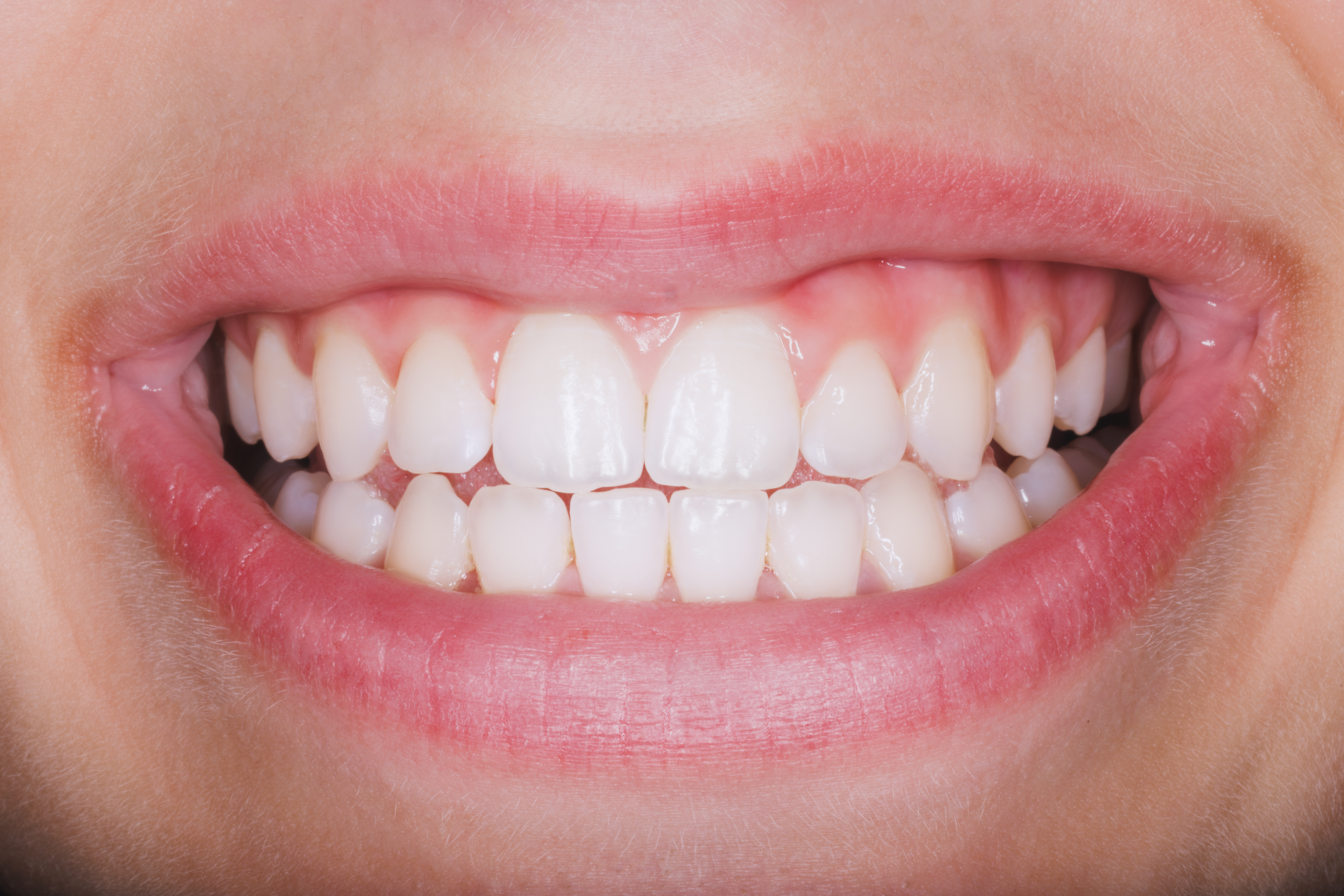
Teeth naturally pick up stains from coffee, tea, tobacco, food, and everyday wear. DPI Dental offers professional dental bleaching and in-office teeth whitening for patients who want a brighter smile with treatment supervised by an experienced dental team.

What Is Professional Dental Whitening?
Tooth enamel can absorb pigments from foods, drinks, and tobacco over time, which may make the teeth look yellow, dull, or uneven in color.
Professional dental bleaching uses a dentist-supervised whitening solution to break down stains within the tooth surface. Unlike veneers or crowns, whitening does not cover the tooth; it changes the appearance of the natural tooth structure.
The goal is not to force every smile to the same shade. Your dentist will consider your starting color, enamel condition, sensitivity, and cosmetic goals before recommending treatment.
- In-office professional whitening
- Customized treatment strength
- Gum protection during application
- Shade evaluation before and after treatment
- Sensitivity monitoring
- Light-assisted whitening may be used when appropriate
Benefits of Professional Teeth Whitening in Howard Beach, NY
At our Howard Beach office, professional whitening gives your dentist more control over whitening strength, application, gum protection, and treatment timing than an over-the-counter kit.
What to Expect From Professional Teeth Whitening at DPI Dental
The process is designed to keep you informed from the initial shade evaluation through your post-treatment care instructions.
Evaluation and Planning
We examine your teeth, discuss your goals, and talk through what kind of shade improvement may be realistic for your smile.
Whitening Application
Your gums are protected before the whitening gel is applied. Depending on the treatment plan, a light may be used as part of the whitening process.
Monitoring and Adjustments
We monitor how your teeth respond and check your comfort throughout the appointment. Timing can be adjusted based on whitening progress and sensitivity.
Final Shade and Aftercare
Once treatment is complete, we rinse the teeth, evaluate the shade change, and provide instructions to help you maintain the result.
Why Choose DPI Dental for Teeth Whitening?
Dr. Paul Ilan brings more than 20 years of experience in cosmetic and family dentistry. Whitening treatment is planned around your teeth rather than around a preset shade chart or aggressive one-size-fits-all protocol.
DPI Dental also evaluates comfort and sensitivity throughout treatment and can discuss whether whitening should be combined with another cosmetic or restorative service based on your smile.
- 20+ years of dental experience
- Professional supervision
- Personalized whitening strength and timing
- Comfort and sensitivity checks
- Modern dental tools and shade evaluation
- Cosmetic treatment planning beyond whitening
Cosmetic Dentistry With More Than One Option
Whitening is one way to improve the appearance of a smile. If discoloration is related to restorations, tooth shape, damage, or another cosmetic concern, a different treatment may be more appropriate.
Teeth Whitening FAQs for Howard Beach Patients
Common questions about in-office whitening, sensitivity, restorations, treatment time, and cost.
How Long Does In-Office Teeth Whitening Take?+
Is Dental Bleaching Safe for Sensitive Teeth?+
What Makes Professional or Light-Assisted Whitening Different From DIY Kits?+
How Much Does Professional Teeth Whitening Cost?+
Can I Whiten My Teeth if I Have Fillings or Crowns?+
Professional Teeth Whitening in Howard Beach, NY
DPI Dental provides professional teeth whitening at our Howard Beach office for patients seeking a brighter, more even-looking smile under professional supervision.
Your Same Smile, Only Brighter
Whether you are preparing for an event or simply want to refresh your smile, schedule a consultation at DPI Dental in Howard Beach to find out whether professional teeth whitening is appropriate for you.
Request an Appointment
Complete the form below to request your professional teeth-whitening consultation with DPI Dental.